v1.0 — Free Download

Live macOS stats
Right in your bar

Lightweight. Native. Always there.

Download for Mac macOS · Apple Silicon · Free
macOS says the app is damaged?

Gatekeeper blocks unsigned apps. PulseBar is safe — it just lacks a paid Apple notarization certificate. Fix it in one command:

xattr -cr /Applications/PulseBar.app

Or right-click the app → Open → click Open in the dialog.
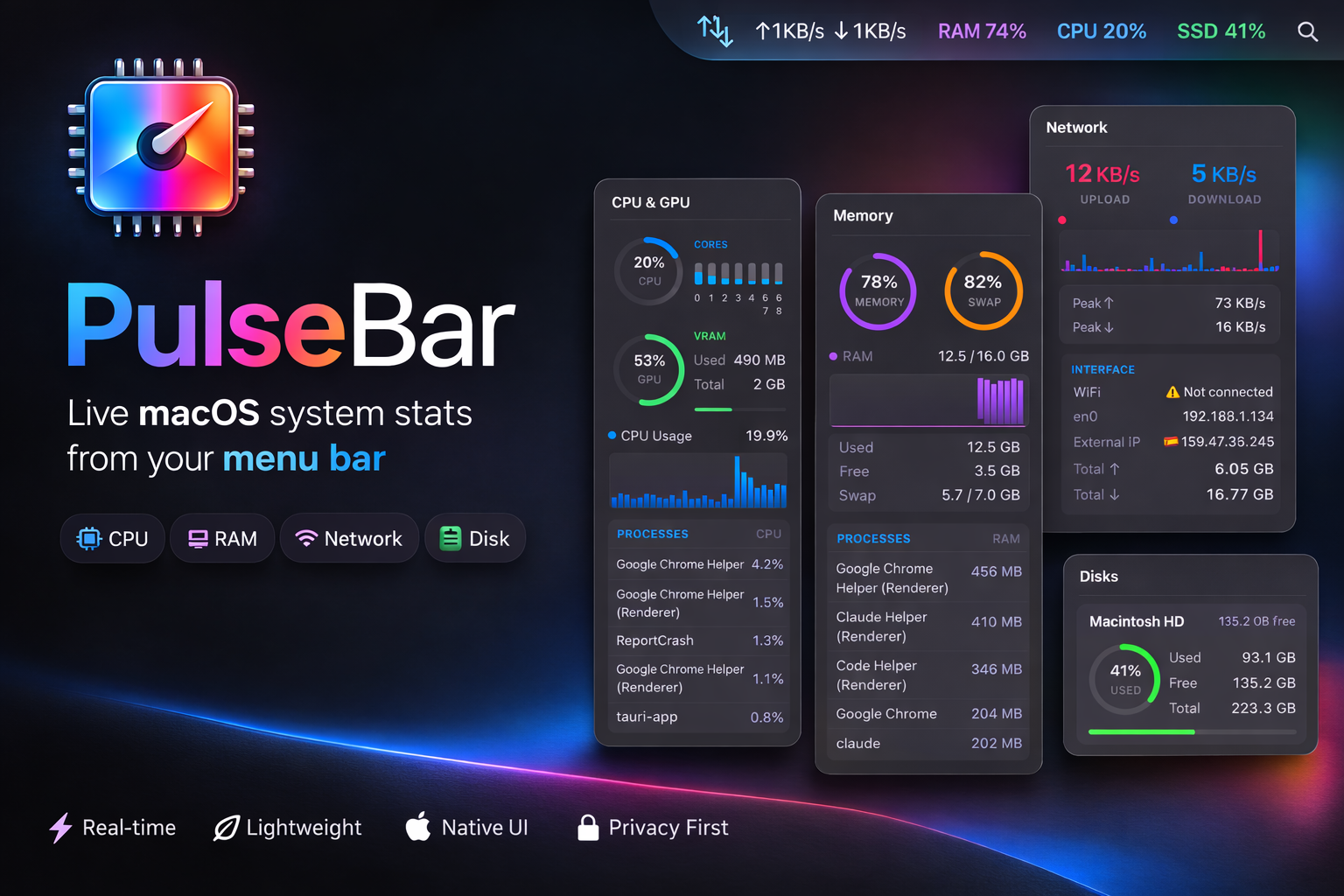
PulseBar app panels showing CPU, Memory, Network and Disk stats

One click. Full picture.

Click any tray icon to open a detailed stats panel

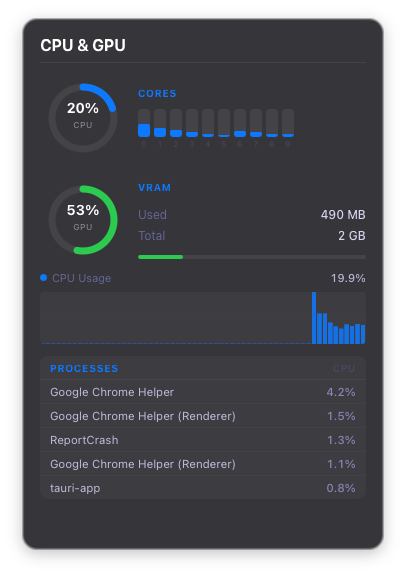
CPU panel showing usage ring, temperature, per-core bars and top processes

CPU & Temperature

Usage, temperature, per-core bars and top processes at a glance.

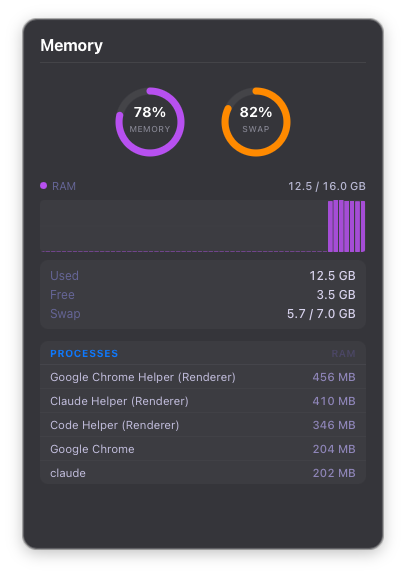
Memory panel showing RAM and swap usage rings with 60-sample history chart

Memory

RAM and swap usage with 60-sample scrolling history and top memory hogs.

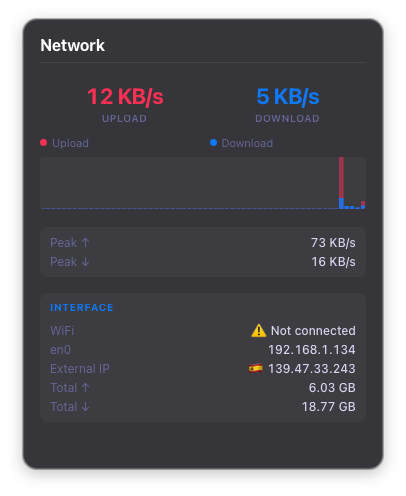
Network panel showing real-time upload and download speeds with peak stats

Network

Real-time upload/download speeds, session peaks and interface information.

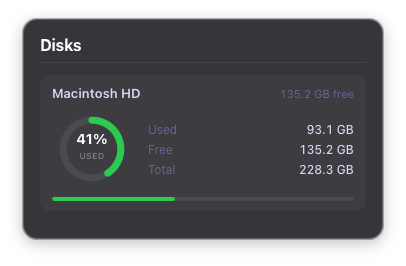
Disks panel showing storage usage per volume with ring charts and progress bars

Disks

Storage usage per disk with ring charts and used/free/total breakdowns.

Up and running in seconds

No configuration. No background services. Just open it.

1
📂

Install

Download and drop PulseBar into your Applications folder like any Mac app.

2

Launch

Four live indicators appear in your menu bar instantly — CPU, Memory, Network, Disk.

3
📊

Click

Tap any icon to open a beautiful panel with detailed stats and history charts.

Ready to monitor your Mac?

Free, open source, and tiny. No subscription required.

Download for Mac — Free

No telemetry. One external call: your public IP via ipwho.is for the Network panel's location info.